Learning how to create and sell digital products online with free tools is a flex for everyone who wants to earn passive income.
Below is a step-by-step guide for beginners to make digital products such as eBooks, printables, and templates, just to name a few, plus top platforms where you can sell these products for passive income.
The digital economy is booming. People are buying and selling products online today more than ever. If you have skills, knowledge, or creativity, you can make money from digital products without having to ship anything. No warehouses. No packaging. Just a click and you earn your passive income.
But if you do not have any of such skills yet, do not worry, this guide will show you step-by-step how to create and sell digital products. We’ll cover what digital products are, how to create them, preferably with free tools, and where to sell them. By the time you are done reading, you’ll know how to start your own online digital product business.
What Are Digital Products?
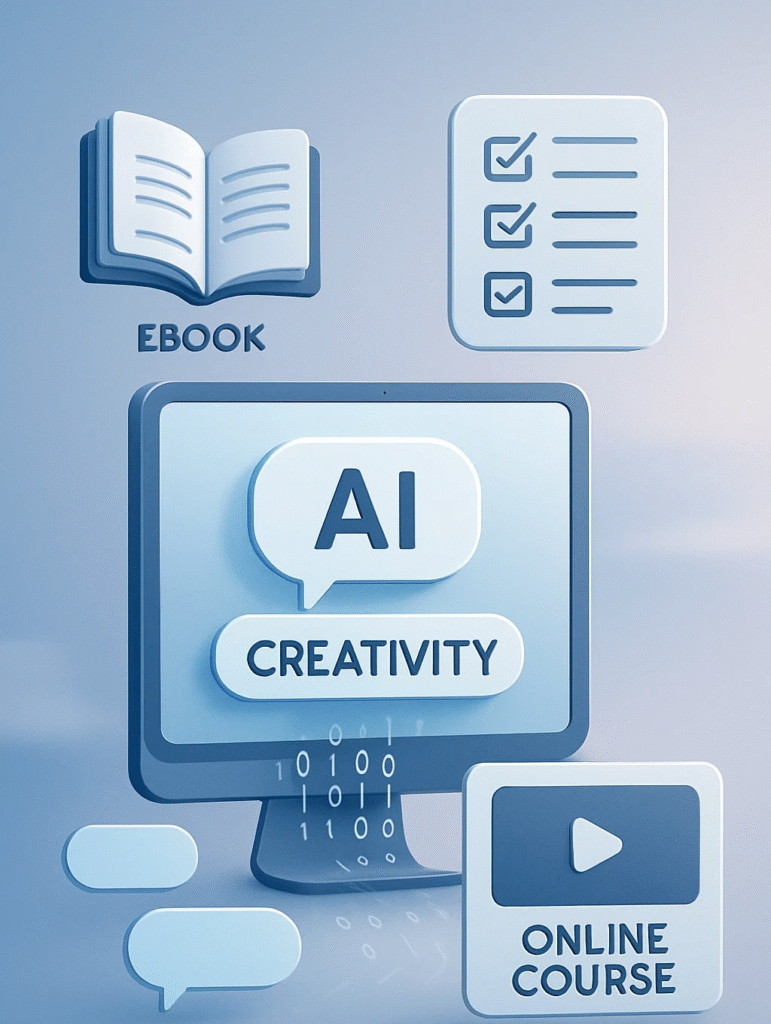
Digital products are downloadable or streamable items you create once and sell repeatedly. They are non-physical goods created, stored, and delivered in a digital format. They exist entirely online, meaning they can be accessed instantly through download links, streaming services, or cloud storage. Unlike physical goods, they do not require manufacturing, shipping, or inventory management, which makes them highly cost-effective to produce and distribute.
The beauty of digital products is passive income. Once created, they can be sold over and over without extra production costs. Some popular examples include: eBooks and guides, Online courses, Printables and planners, Stock photos and videos, Audio files (music, sound effects, meditations), etc
Why Sell Digital Products?
- Low startup cost – Often free to create with the right tools, or requires few paid tools.
- No inventory – No physical stock, storage, or shipping is required.
- Wide market – Sell to unlimited customers worldwide, including those outside your country.
- Long-term passive income – Create once, and sell forever.
- Global reach – You can reach anyone with an internet connection.
Step 1: Pick Your Digital Product Idea
The first step is choosing a profitable product idea. Focus on something people want and would be willing to pay for.
Ask yourself:
- What skills do I have? Or what am I passionate about?
- What problems can I solve for others?
- What information or tools could make someone’s life easier?
This stage is crucial; take time to do research and find out what areas people are seeking solutions and create a new solution, or you may leverage existing solutions by adding extra value to what is already available.
Step 2: Create Your Digital Product Using Free Tools
You don’t need expensive software. There are free online tools that let you create professional products.
Here are 3 examples with step-by-step instructions on how to create such products for free.
Example 1: eBook or Guide
Why it sells: People love learning from experts. An eBook can solve a problem, teach a skill, or inspire action. eBooks offer instant access to valuable information, guidance, or inspiration in a convenient digital format. eBooks are often affordable, easy to carry on any device, and can be read anytime, anywhere. They also provide focused, in-depth content on specific topics, saving the reader time from searching for scattered information online.
Free tools you may use to create an eBook:
- Google Docs – Use it to write and format your eBook.
- Canva (Free) – Helpful when designing a beautiful cover or pages.
- PDF Converter – Save your final file as a PDF.
Steps:
- Outline your topic – Make it as focused as possible (e.g., “30-Minute Meal Plans for Busy Moms”).
- Write in Google Docs – Keep sentences short and clear, and use subheadings where necessary.
- Design your cover in Canva – Use free templates to design a catchy cover.
- Export as PDF – Your eBook is now ready to sell.
Example 2: Printables or Planners
Why it sells: People buy printables or planners because they help organize their lives, boost productivity, and simplify goal tracking in a convenient, ready-to-use format. They’re easy to download and print at home, offering immediate access without waiting for shipping. Plus, printables are often customizable, making them flexible tools tailored to individual needs. Though this category may seem crowded, it is way easier to make, and you still have a very high chance of making easy sales if you position your products just right.
Free tools to create it:
- Canva – Use to create worksheets, trackers, planners, or calendars.
- Google Slides – Use it for alternative layout design.
- Freepik / Pixabay – Offers free graphics and icons.
Steps:
- Choose a niche – Choose from budget planner, fitness tracker, wedding checklist, or whatever else you prefer.
- Use Canva templates – Will help you customize with your colors, fonts, and branding.
- Save as PDF – To make it easy for customers to print at home.
Example 3: Canva Templates for Businesses or Creators
Why it sells: Social media managers, coaches, and small businesses buy templates to save time.
Free tools to create it:
- Canva Free Account – You can design templates that others can edit.
- Unsplash – Free stock images.
Steps:
- Pick a platform – Instagram posts, Pinterest pins, YouTube thumbnails.
- Design editable templates – Keep them stylish and easy to customize.
- Share Canva link – Buyers can access and edit without extra cost.
Step 3: Choose Where to Sell Your Digital Products
When it comes to selling digital products, you have two main options: selling them on your own website or using marketplaces that already have built-in traffic. Both approaches offer unique advantages and challenges, so choosing the right platform depends on your goals, resources, and audience.
Selling on Your Own Website
Pros:
- Full control: You set your prices, design, branding, and customer experience without restrictions.
- Higher profit margins: No marketplace fees or commissions, so you keep more of each sale.
- Build your brand: Your website strengthens your identity and trust with customers over time.
- Email list growth: You can collect customer emails easily, helping you build a loyal audience for future launches and promotions.
Cons:
- Requires more setup: You need to build, design, and maintain your website, which takes time and effort.
- Drive your own traffic: You’re responsible for marketing and attracting visitors, which can be slow and challenging initially.
- Technical issues: Handling payment processing, digital delivery, and customer support falls on you.
Selling on Marketplaces
Pros:
- Built-in audience: Marketplaces like Etsy, Gumroad, or Creative Market have millions of active buyers already searching for products.
- Simplified setup: They handle payment processing, digital delivery, and customer service, making it easier for beginners.
- Discoverability: Products may get featured or recommended, boosting organic sales without extra marketing.
Cons:
- Fees and commissions: Marketplaces take a cut of each sale, reducing your overall profit.
- Limited branding: You have less control over the customer experience and how your brand is presented.
- Competition: You’re competing with thousands of similar products, making it harder to stand out.
- Dependence on platform rules: Changes in policies or algorithms can impact your visibility and sales unexpectedly.
Top Market Places You May Consider:
- Etsy – Great for printables, planners, templates.
- Gumroad – Easy setup for eBooks, guides, and creative products.
- Payhip – Sell directly and keep more profit.
- Creative Market – Best for design templates and creative assets.
- Amazon Kindle Direct Publishing (KDP) – Perfect for eBooks.
- Ko-fi – Sell to your community or audience.
If you want full control and long-term brand building, selling on your own website is ideal, but it requires investment in time and marketing. If you want quick access to customers and an easier setup, marketplaces are great starting points, but they come with fees and less control. Many successful sellers combine both: using marketplaces to gain initial traction and a website to nurture their audience over time. Take your time to decide what best suits you or simply explore both.
Step 4: Price Your Product
Price depends on value, competition, and niche, but here are some price suggestions to consider fr the varied caegories.
- Printables: $3–$10
- eBooks: $7–$25
- Templates: $10–$50
- Courses: $50–$300+
Tip: Offer bundle deals for higher perceived value. Offering bundle deals means packaging several digital products together and selling them as one combined offer. This creates a sense of greater value for buyers because they get more content or tools at a discounted price compared to buying items individually. Bundles encourage customers to spend more upfront while feeling like they’re getting a better deal, which can boost your overall sales and increase customer satisfaction.
For Example, you sell individual printables like a Budget Planner for $5, a Meal Prep Planner for $5, and a Fitness Tracker for $5. Instead of selling them separately, you create a “Ultimate Life Organization Bundle” that includes all three for $12. Customers get all three tools at a discount, feeling like they’re getting more value, while you increase your total sales and average order value. Win-win!
Step 5: Market Your Product
Creating your product is half the job. You must market it to make sales. Marketing digital products helps you reach a wider audience and attract more potential buyers quickly. It builds trust and authority, making customers more likely to purchase from you. Effective marketing also boosts sales by highlighting your product’s unique value and encouraging repeat business.
Free marketing methods:
- Pinterest – Post pins linking to your product.
- Instagram – Share tips, reels, and product previews.
- YouTube – Create tutorials related to your product topic.
- Email newsletter – Build an audience and send updates.
SEO Tip: Use keywords in your titles and descriptions that people are searching for (e.g., “budget planner printable”, “Canva Instagram template”, “meal prep eBook” can find your products easily.
Extra Tips for Success
- Focus on quality rather than quantity. A good design and clear instructions make products sell.
- Start small – One product done well is better than five rushed ones.
- Listen to customer feedback – Update and improve your products.
- Automate delivery – Use platforms that automatically send files after purchase.
Mistakes to Avoid
- Avoid copying someone else’s work – Be original.
- Poor product images – Always show your product in a visible mockup.
- Don’t overcomplicate– Keep it simple for buyers to use.
- Stop ignoring keywords – Keywords will help your product to be found easily.
Conclusion
Selling digital products is one of the best ways to make money online with low startup costs and huge earning potential. Whether you create an eBook, a planner, or Canva templates, the process is simple with free tools and platforms.
Start with one product idea. Use the free tools we covered. Upload it to a marketplace. Market it using social media and SEO. Click here to learn how you leverage your online business using YouTube.
The sooner you start, the sooner you can build an online business that works for you — even while you sleep.
Pingback: Gen Z’s Hidden Key to Wellness and Wealth - boldlyfrugal.com
Pingback: How to Sell Products Online Globally - boldlyfrugal.com